Hardware-enforced parental controls that protect your kids from explicit content, social media addiction, and bedtime screen abuse—impossible for kids to bypass.
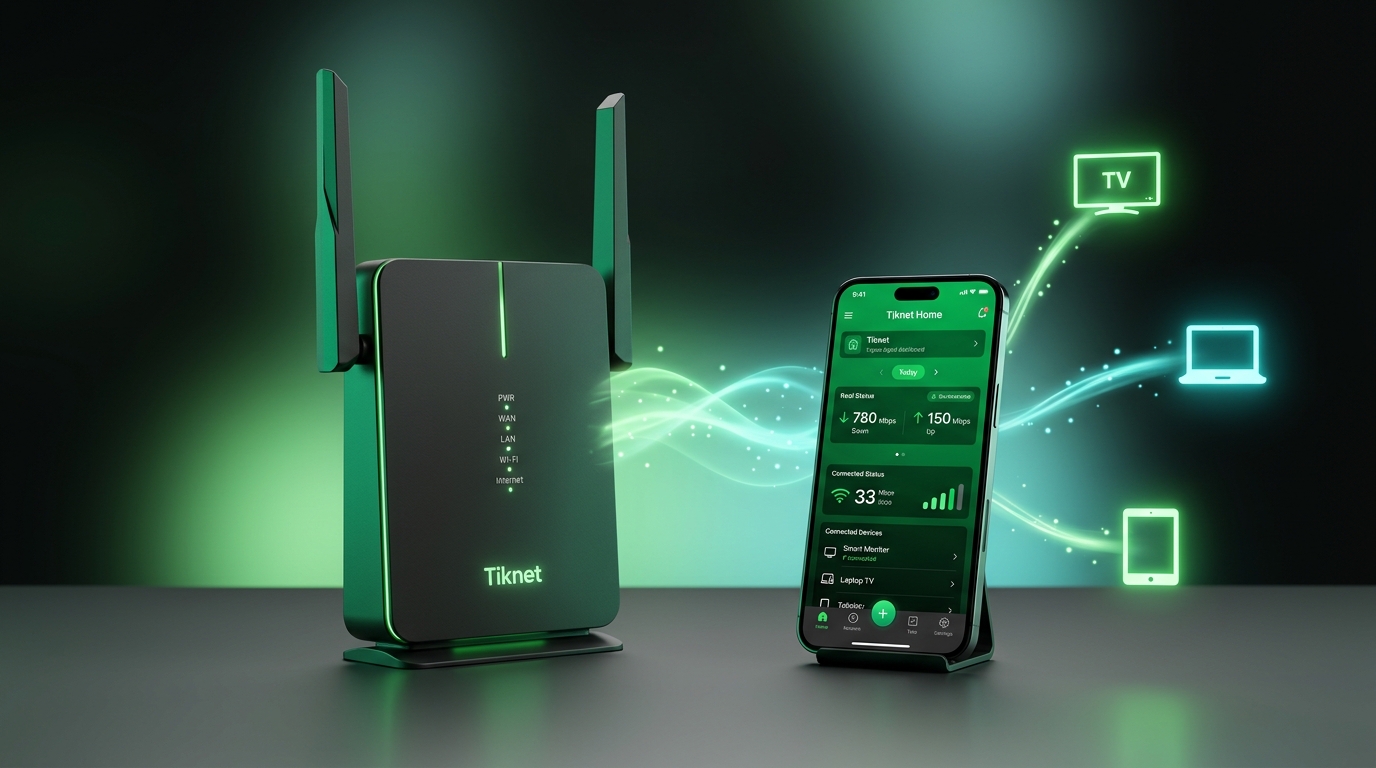
Unlike fragile phone apps that kids easily delete, disable, or bypass with VPNs and MAC randomization, Tiknet Family Shield operates directly on your home router hardware. Every device connected to your home Wi-Fi is protected at the gateway before content ever reaches the screen.
Smart TVs, iPads, PlayStations, and visitor devices where parental apps cannot be installed are automatically secured.
Recognizes device hardware signatures in < 500ms even if your child rotates their private MAC address or enables a VPN.
Native edge scripts run in the router's local lease memory. Bedtime blocks remain active even if the internet or cloud goes down.
Children today bypass soft phone apps by turning off permissions or rotating Wi-Fi MAC addresses. Tiknet Family Shield operates directly on your router hardware.
Kids stay up until 3 AM scrolling TikTok under the blanket.
Innocent games expose children to uncurated adult content.
Notifications break study focus every 45 seconds.
Kids simply change Wi-Fi MAC settings to reset limits.
Wi-Fi cuts off automatically at 9:00 PM for kids' devices.
100% of adult and malware domains blocked on all screens.
Pause all home devices instantly with a single button tap.
Impossible for tech-savvy kids to bypass or trick.
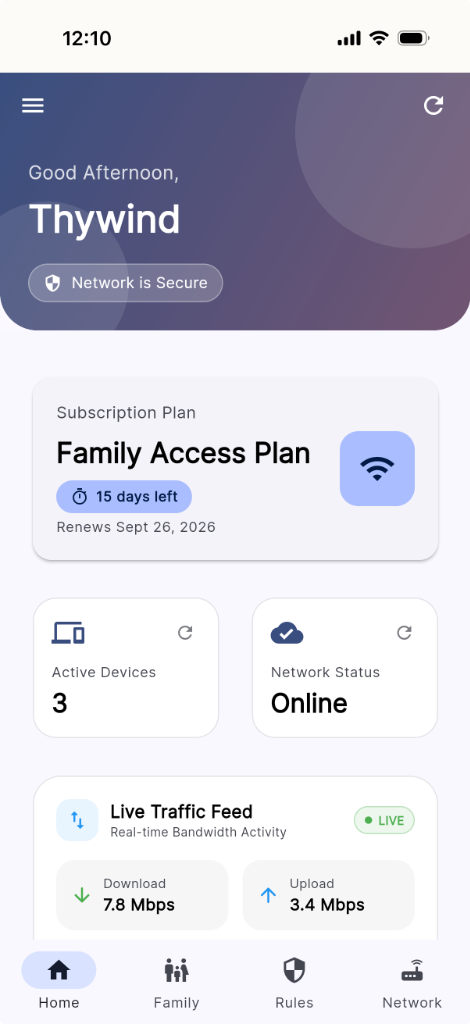
Explore the actual live screens of Tiknet Family Shield running on modern iOS and Android devices.
Monitor your family plan duration (354 days remaining), instant online network status, and live bandwidth activity at a single glance.
Track real-time download and upload speeds across every connected device (Redmi Pro, Xiaomi, iPhone, PC) instantly.
Assign custom protection profiles to each family member's device with hardware MAC address binding (`8A:D7:BB:21:7B:42`).
One-tap rule activation for everyday family routines. Cut off internet during study hours or lock down Wi-Fi overnight automatically.
Manage your home router IP (`10.0.0.6`), view last seen timestamps, and update Wi-Fi passwords securely from anywhere.
Engineered to give parents total peace of mind while fostering healthy digital habits.
Reclaim dinner time and family conversations. Freeze internet access for specific devices or the entire household with a single tap.
Block TikTok, Instagram, YouTube Shorts, and Roblox during homework hours so your kids focus on schoolwork first.
Automatically filters 100% of adult content, malware, and phishing threats at DNS level via Tiknet Shield Trust before it reaches your child's screen.
Set recurring bedtime schedules (e.g. 9:00 PM – 7:00 AM). Home Wi-Fi turns off automatically so children get healthy, restorative sleep.
Child MAC-randomization tricks won't work. Hardware DUID footprinting keeps parental controls enforced even when device settings rotate.
Manage multiple home locations, vacation homes, or extended family Wi-Fi routers seamlessly from one unified mobile app.
Hardware-enforced home Wi-Fi protection. Cancel or upgrade anytime.
Essential protection for small households and basic routines.
Complete smart home protection & active bandwidth insights.
Advanced multi-network coverage for smart estates & villas.
No! Unlike standard phone apps that can be deleted or disabled, Tiknet Family Shield uses DUID (Device Unique Identifier) footprinting at the router hardware level. Even if your child rotates their Private Wi-Fi MAC address, the router identifies the hardware signature in under 500ms and re-enforces your active policies.
Yes. Because protection operates on your home router, every device connected to your Wi-Fi—including smart TVs, iPads, Android tablets, laptops, and gaming consoles—is automatically protected.
Tiknet Family Shield includes offline Cloud Outage Protection powered by Tiknet Shield Trust. During initial setup, a native script is injected into your router's hardware lease memory. If the internet or cloud goes offline, the physical router evaluates device rules locally, keeping active bedtime blocks and policies enforced 100% on edge hardware.
Setup takes less than 60 seconds! Simply log into the mobile app, connect your home router via Zero-Touch Provisioning (ZTP), and your family devices will appear automatically for policy assignment.
